

JetBrains 2026.3 Remote Development
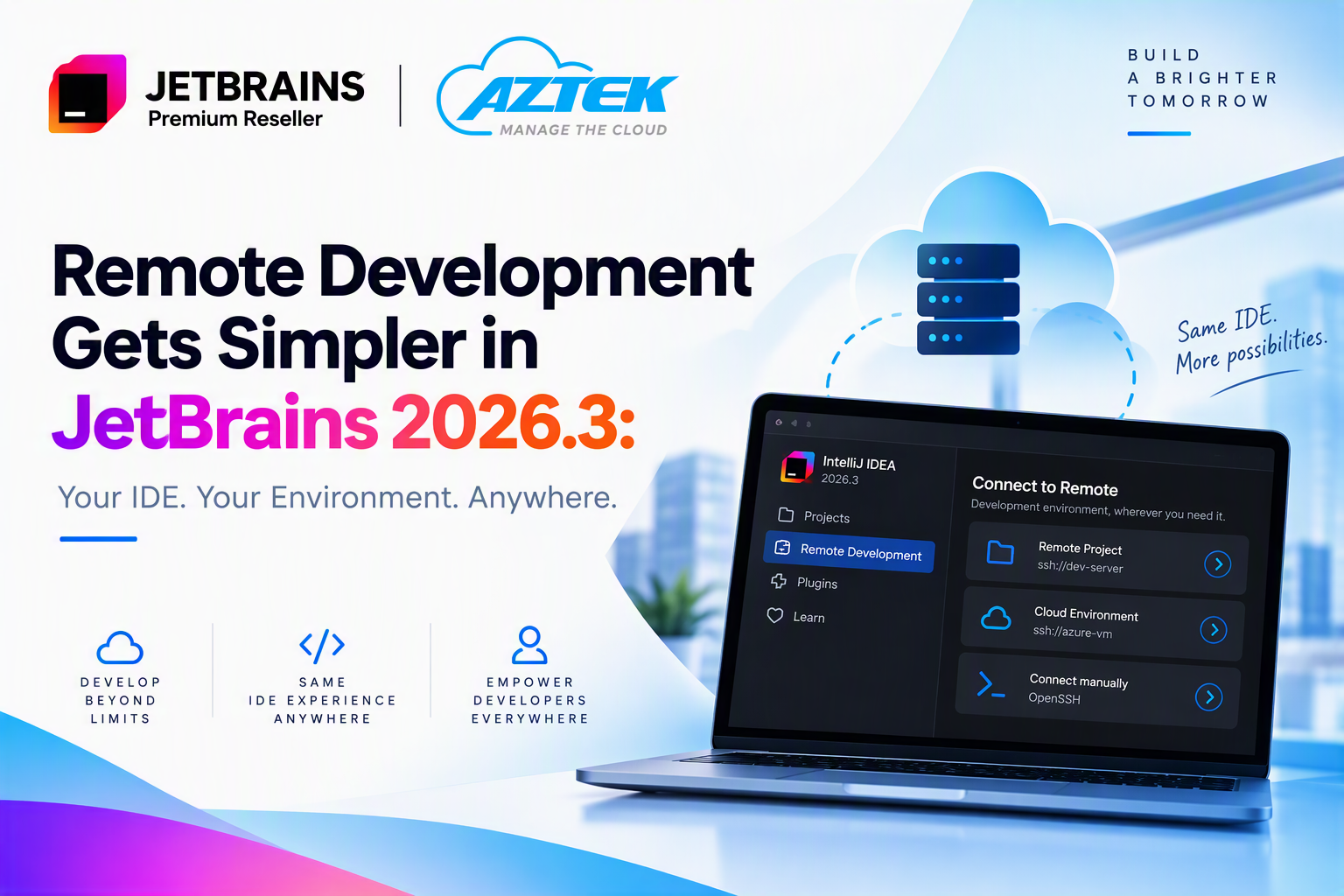
Modern development teams increasingly work with code and compute environments that are not located on the developer’s local machine. Development workloads may run on remote Linux hosts, cloud infrastructure, powerful build machines, or environments that are closer to production.
The challenge is that remote development can introduce friction into a workflow that developers expect to be fast and familiar.
With JetBrains IDEs 2026.3, JetBrains is addressing that friction with several significant improvements to its Remote Development experience, including in-IDE remote session management, native OpenSSH support, and Light Mode for faster access to remote projects.
The goal is straightforward: working on a remote machine should feel much closer to opening and working on a local project.
Remote Development Is Now Part of the IDE Experience
One of the most noticeable changes in 2026.3 is that remote development is becoming part of the IDE itself.
Previously, developers could use JetBrains Gateway or the JetBrains Toolbox App as a separate entry point for Remote Development. With 2026.3, developers can start and manage remote sessions directly from the IDE. Recent remote projects appear alongside local projects on the Home screen, making it easier to reconnect to environments that developers use regularly.
A new remote connection can also be initiated directly through File > Connect to Remote or from the Projects widget.
After connecting to a remote host, developers can either select a specific project on that machine or start the IDE directly. For a first-time connection, the required remote backend can be installed automatically and updated when necessary.
For development teams, this is more than a UI improvement. It reduces context switching between tools and creates a more consistent workflow for local and remote projects.
Native OpenSSH Support: Using the SSH Configuration You Already Have
SSH is central to many remote development workflows.
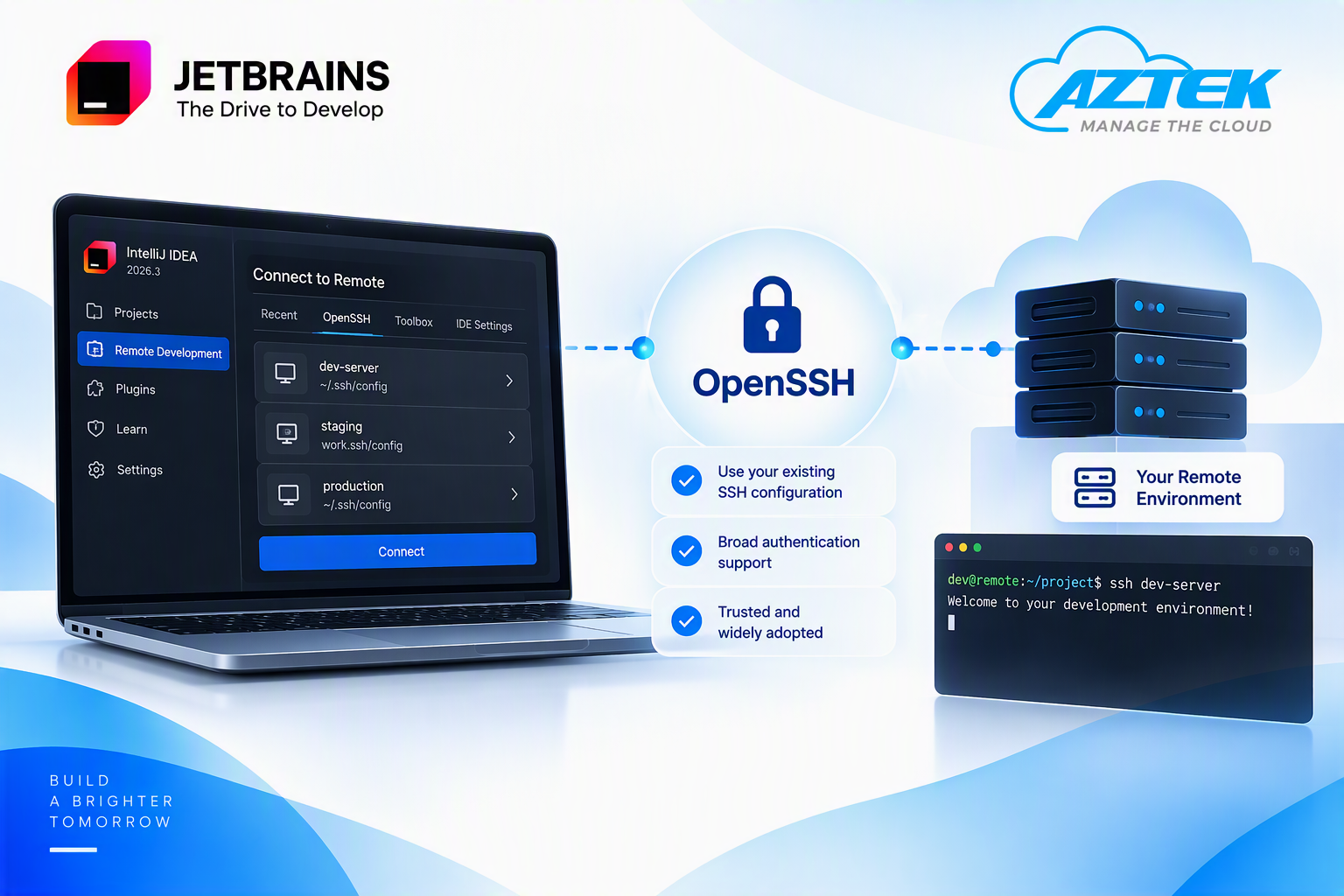
In version 2026.3, JetBrains IDEs introduce native OpenSSH support as an option for SSH connections.
Instead of relying exclusively on JetBrains’ own SSH implementation, developers can take advantage of the established OpenSSH ecosystem and reuse familiar SSH configurations and authentication mechanisms.
The updated Remote Development picker can bring together connections from recent history, JetBrains Toolbox, OpenSSH, and IDE settings. This makes existing SSH configurations easier to reuse rather than requiring developers to recreate connection settings specifically for the IDE.
This can be particularly useful in organizations where developers already maintain established SSH configurations for development hosts or other remote infrastructure.
JetBrains also states that, as the integration matures, OpenSSH is expected to become the default SSH implementation in future releases.
Light Mode: Start Working Before the Full Remote IDE Is Ready
One of the more interesting technical improvements in 2026.3 is Light Mode.
Launching a remote development environment typically requires the remote IDE to be downloaded, installed, and started before the complete development environment becomes available.
JetBrains is reducing this waiting time.
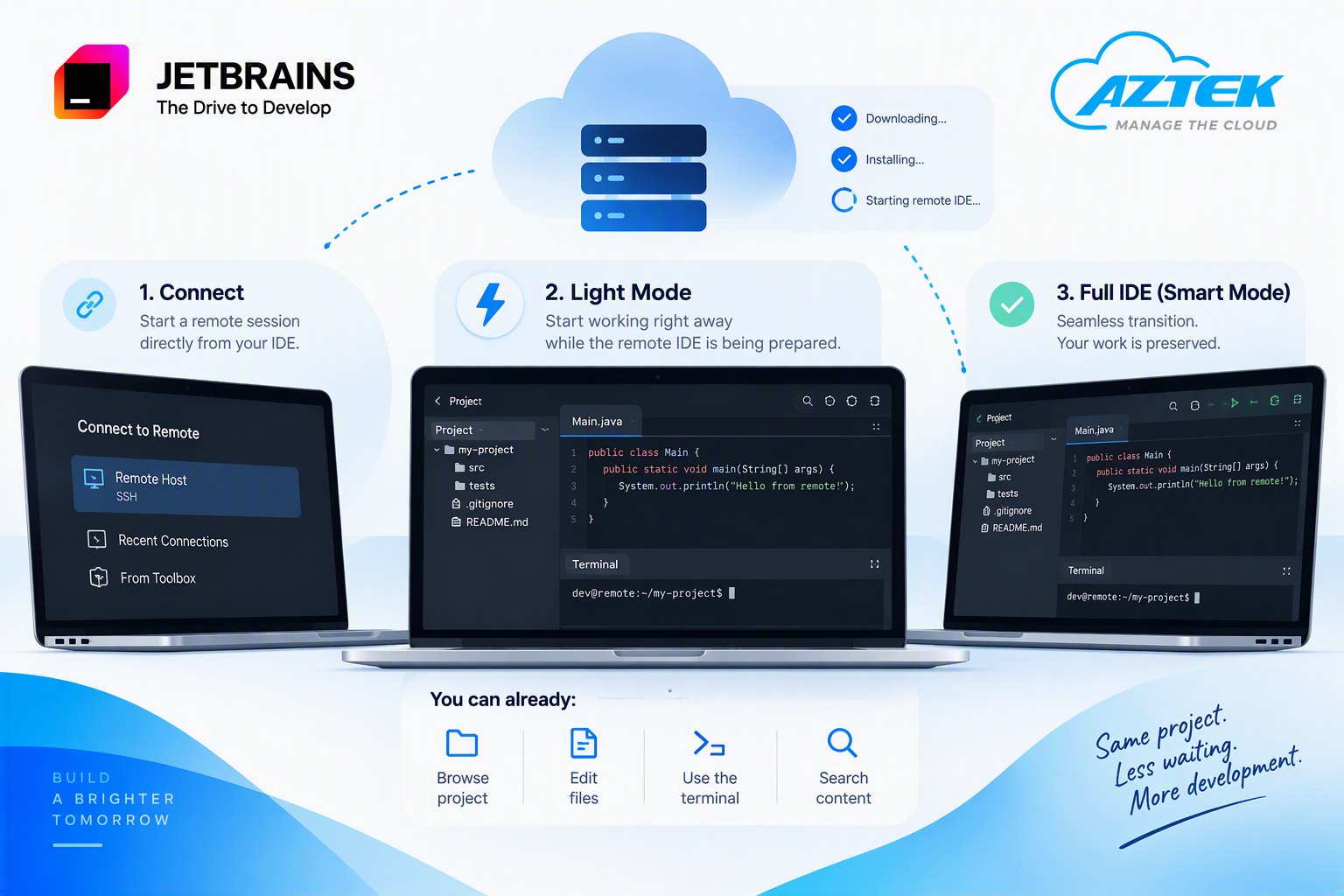
When connecting through the new in-IDE flow, the IDE can launch an embedded client and start the session in Light Mode while the full remote IDE is still being downloaded, installed, and launched.
During this stage, developers can already perform essential tasks such as:
- Browsing the remote project
- Opening and editing files
- Using the terminal
- Searching through files and their contents
Once the full remote IDE is ready, the environment transitions from Light Mode to Smart Mode. Work performed during Light Mode is preserved, so there is no need to close and reopen the project or repeat the work already completed.
The practical benefit is simple: connection time becomes productive time.
Why Remote Development Matters for Development Teams
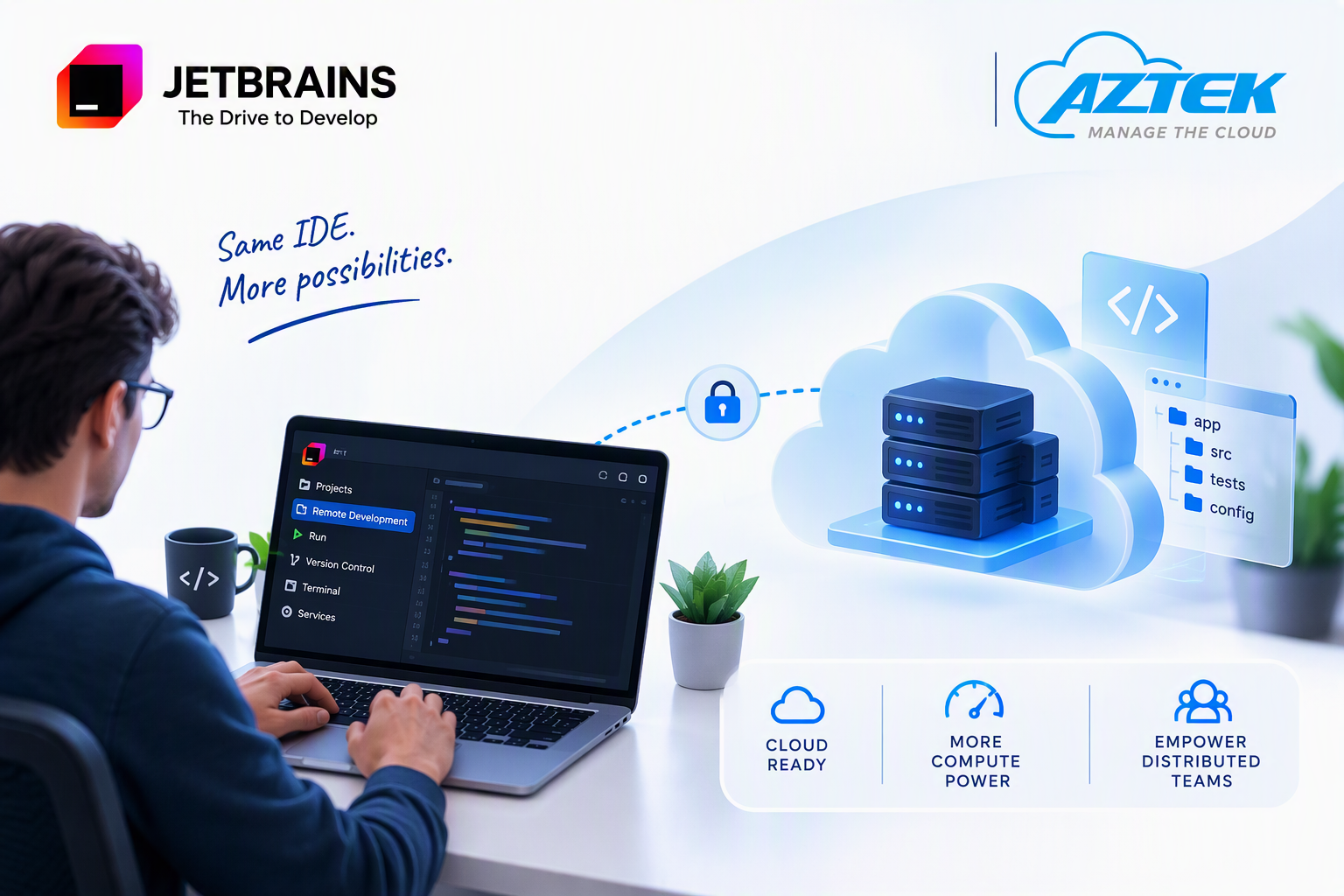
Remote development is not only about convenience. It allows organizations to separate the developer’s workstation from the environment where the actual development workload runs.
This can be especially useful when teams work with cloud infrastructure, centralized development environments, or workloads that require more compute resources than a standard local machine.
With the improvements in JetBrains 2026.3, switching between local and remote projects becomes more natural, while developers can continue using the familiar JetBrains IDE experience.
What Should Organizations Consider?
Before adopting Remote Development more broadly, organizations should consider:
- Infrastructure: Where will remote development environments be hosted, on-premises or in the cloud?
- Access and security: How will developers authenticate and how will SSH access be managed?
- Performance: What CPU, memory, storage and network resources do development workloads require?
- IDE compatibility: Light Mode currently supports Linux remote hosts with GoLand, IntelliJ IDEA, PhpStorm, PyCharm, RubyMine, RustRover and WebStorm. CLion and Rider are not yet supported for Light Mode.
These considerations help ensure that Remote Development is not only technically available, but properly aligned with the organization’s development environment.
JetBrains Solutions Through Aztek
For organizations evaluating Remote Development or planning changes to their development environment, the right combination of developer tooling, licensing and infrastructure is important.
Aztek provides JetBrains solutions and can assist development teams in evaluating the licensing approach that best fits their developers and working environment.
Working with cloud-based or remote development infrastructure as well? Aztek can also help look at the broader environment and how your JetBrains tools fit into your cloud strategy.
Want to explore the right JetBrains setup for your development team? Contact Aztek.